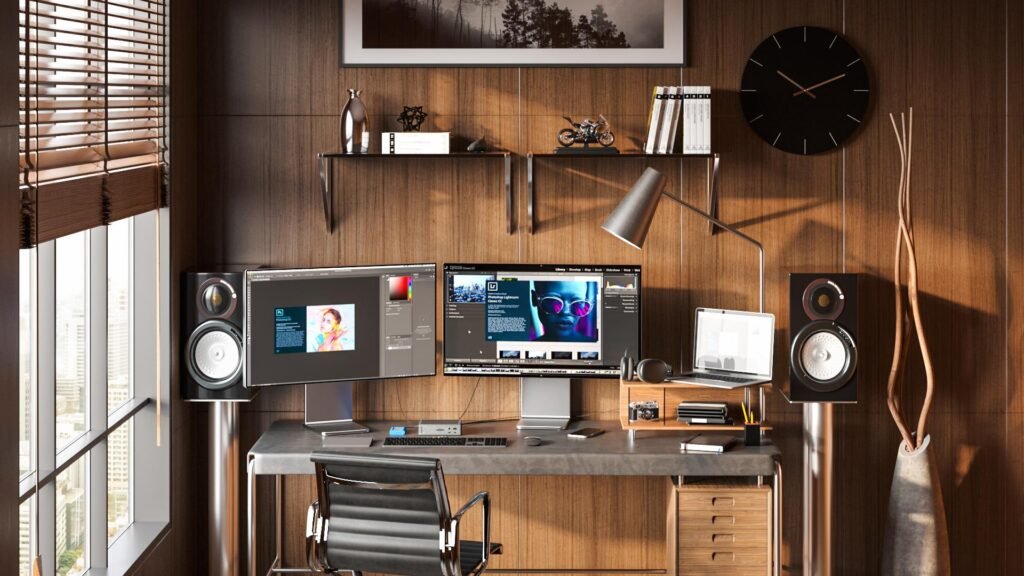
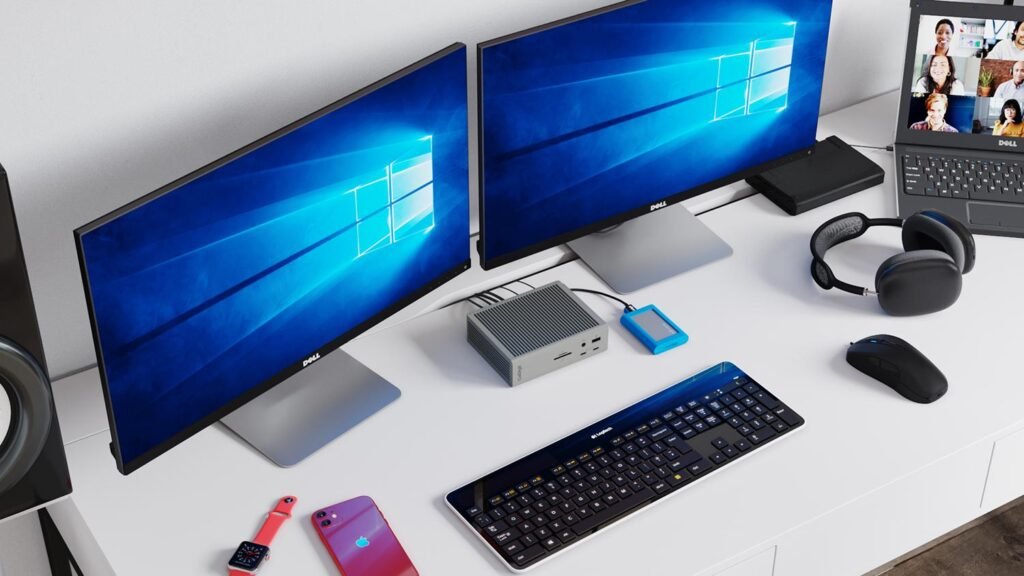
Building the perfect home office in 2026 isn’t just about aesthetics—it’s about performance, comfort, and long-term productivity. Whether you’re working remotely, freelancing, or running a business, the right gear can dramatically improve your efficiency and health.
In this complete guide, we’ll cover the best home office setup tech in 2026, carefully selected for US and Western consumers, with pricing in USD and real-world usability in mind.
Why Your Home Office Setup Matters in 2026
Remote work is no longer temporary—it’s the new normal. A poor setup can lead to:
- Back pain and fatigue
- Reduced productivity
- Lower work quality
A well-optimized setup improves:
- Focus and efficiency
- Physical health
- Work-life balance
1. Best Ergonomic Chair (Foundation of Your Setup)
Steelcase Gesture — Best Overall Ergonomic Chair (~$1,300)


The Steelcase Gesture remains one of the best ergonomic chairs in 2026.
Why it stands out:
- Supports multiple sitting positions
- Best-in-class lumbar support
- Designed for 8–12 hour workdays
Best for:
Remote workers, developers, writers, professionals
Budget Alternative:
- Hbada Ergonomic Chair (~$200) — solid entry-level option
2. Best Standing Desk (Health Upgrade)
Uplift V2 Standing Desk — Best Overall (~$600–$900)


A standing desk is one of the highest ROI upgrades you can make.
Key benefits:
- Reduces back pain
- Improves circulation
- Boosts productivity
Why Uplift V2:
- Stable at all heights
- Quiet motor
- Highly customizable
3. Best 4K Monitor for Productivity
Dell UltraSharp U2723QE — Best 4K Monitor (~$650)


A high-quality 4K monitor dramatically improves workflow.
Features:
- 27-inch 4K IPS Black panel
- Excellent color accuracy
- USB-C connectivity
Ideal for:
Designers, coders, office professionals
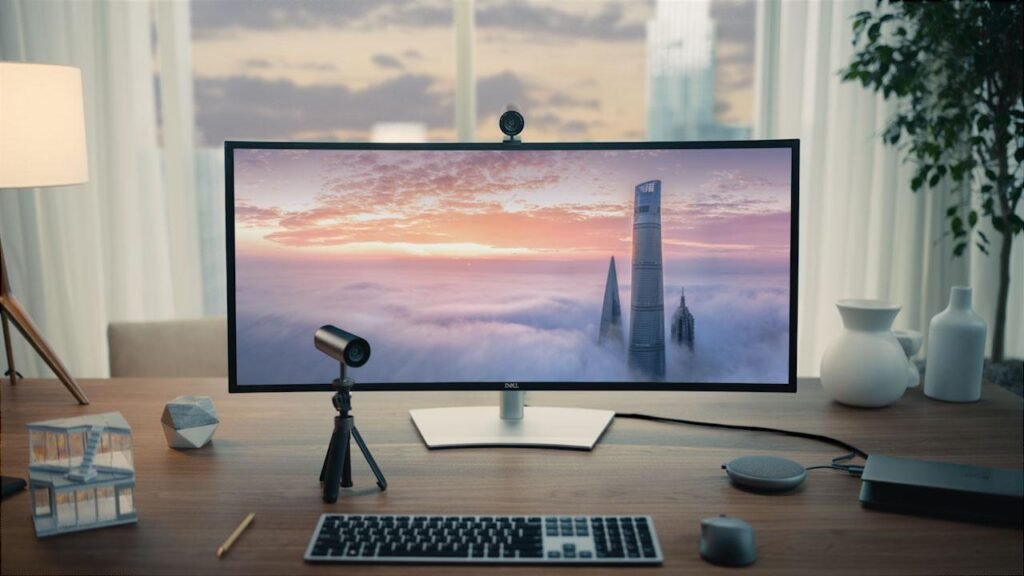
4. Best Ultrawide Monitor (Multitasking Beast)
LG 34WN80C-B Ultrawide — Best Value (~$500)


Ultrawide monitors replace dual monitors for many users.
Why it’s powerful:
- Massive horizontal space
- Better workflow management
- Ideal for multitasking
5. Best Keyboard (Daily Use Essential)
Keychron K8 Pro — Best Mechanical Keyboard (~$130)


Highlights:
- Wireless + wired support
- Premium typing experience
- Mac & Windows compatibility
Best for:
Writers, developers, heavy typists
6. Best Mouse (Comfort + Precision)
Logitech MX Master 3S — Best Productivity Mouse (~$99)


Why it’s the gold standard:
- Ergonomic design
- Ultra-fast scrolling
- Multi-device switching
7. Best Webcam (Professional Meetings)
Insta360 Link — Best Premium Webcam (~$300)


Features:
- 4K resolution
- AI tracking
- Gesture controls
8. Best Headphones (Focus Booster)
Sony WH-1000XM5 — Best Noise Cancelling (~$399)


Why you need them:
- Blocks distractions
- Crystal clear calls
- Long battery life
9. Best Docking Station (Clean Setup Hack)
CalDigit TS4 Thunderbolt Dock — Best Overall (~$400)


Benefits:
- One cable setup
- Supports multiple displays
- Reduces clutter
Ideal Home Office Setup (2026 Combo)
Here’s the perfect balanced setup:
- Chair: Steelcase Gesture (~$1,300)
- Desk: Uplift V2 (~$700 avg)
- Monitor: Dell UltraSharp 4K (~$650)
- Ultrawide: LG 34” (~$500)
- Keyboard: Keychron K8 Pro (~$130)
- Mouse: Logitech MX Master 3S (~$99)
- Webcam: Insta360 Link (~$300)
- Headphones: Sony WH-1000XM5 (~$399)
- Dock: CalDigit TS4 (~$400)
Total Setup Cost: ~$4,400 (premium setup)
Buying Guide (Smart Decisions)
1. Invest in Ergonomics First
Chair + desk matter more than anything else.
2. Upgrade Your Display Early
A good monitor boosts productivity instantly.
3. Prioritize Daily-Use Gear
Keyboard + mouse = constant interaction.
4. Keep Your Desk Clean
Minimal setups improve focus.
Final Thoughts
The best home office setup in 2026 is about efficiency, comfort, and simplicity. You don’t need everything at once—start with essentials and upgrade over time.
A well-designed workspace isn’t an expense—it’s an investment in your productivity and well-being.