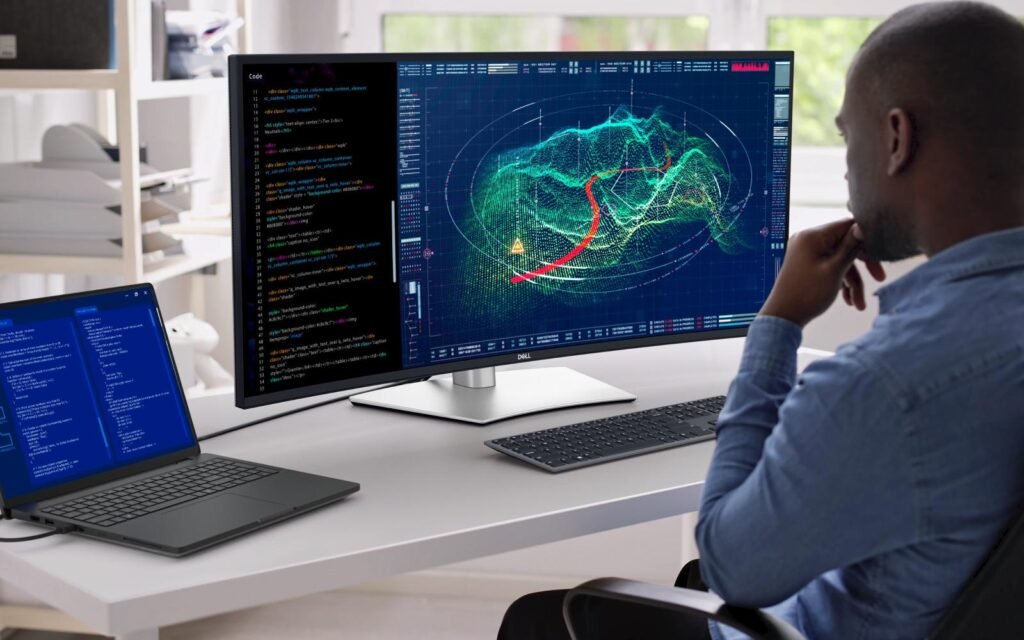
The demand for high-quality displays has exploded in recent years. In 2026, 4K monitors are no longer a luxury—they’re a necessity for professionals, gamers, and creators who want crystal-clear visuals, smoother performance, and better productivity.
Whether you’re working remotely, editing 4K video, or playing AAA games, choosing the right monitor can dramatically impact your experience. But with so many options available—from budget IPS panels to cutting-edge OLED displays—it’s easy to feel overwhelmed.
This guide is designed specifically for US and Western consumers, focusing on real-world usability, value for money, and future-proof features.
Best 4K Monitors for Work & Gaming (2026 Picks)
LG UltraGear 27GR93U – Best Overall 4K Monitor


Price (US): $450 – $600
The LG UltraGear 27GR93U is widely considered one of the most balanced monitors in 2026. It delivers top-tier gaming performance and excellent productivity features in one package.
Performance Overview
This 27-inch IPS panel offers a 144Hz refresh rate, which is the sweet spot for modern gaming. It provides ultra-smooth motion while still maintaining the sharpness of 4K resolution.
Why It’s the Best Overall Choice
- Excellent color accuracy (great for creators)
- Fast response time for gaming
- HDMI 2.1 support for next-gen consoles
- Ideal screen size for sharp pixel density
Real-World Use Case
If you’re someone who:
- Works during the day (Excel, coding, design)
- Games at night (FPS, RPGs, AAA titles)
This monitor does both without compromise.
ASUS ROG Strix XG27UQR – Best High-End Gaming Monitor


Price (US): $600 – $800
The ASUS ROG Strix XG27UQR is built for gamers who demand performance above all else.
Gaming Performance
With a 144Hz refresh rate and 1ms response time, this monitor ensures:
- Smooth gameplay
- Minimal motion blur
- Ultra-low input lag
Advanced Features
- G-Sync compatibility
- High brightness HDR
- Premium build quality
Who Should Buy This?
If you play:
- Competitive shooters (Call of Duty, Valorant)
- Fast-paced multiplayer games
This monitor gives you a real edge.
Dell 27 Plus 4K – Best for Productivity & Office Work


Price (US): $300 – $400
The Dell 27 Plus 4K Monitor is a favorite among professionals.
Why It’s Perfect for Work
- Razor-sharp text clarity
- Flicker-free technology
- Ergonomic stand for long hours
Productivity Boost
4K resolution allows:
- Multiple windows side-by-side
- Better spreadsheet visibility
- Cleaner UI scaling
Ideal for remote workers, programmers, and analysts.
AOC U27U2DP – Best 4K Monitor for Creators


Price (US): $500 – $700
The AOC U27U2DP is built for creative professionals.
Color Accuracy Matters
This monitor delivers:
- Wide color gamut (AdobeRGB / DCI-P3)
- Excellent calibration
- Consistent brightness
Best For:
- Photo editing
- Video editing
- Graphic design
If your work depends on color precision, this is a strong choice.
ViewSonic VA2708-4K – Best Budget 4K Monitor


Price (US): $200 – $300
The ViewSonic VA2708-4K-MHD proves that you don’t need to spend a fortune for a good display.
What You Get at This Price
- Solid IPS panel
- Good brightness
- Decent color accuracy
Limitations
- 60Hz refresh rate
- No advanced gaming features
Perfect for students and basic office work.
MSI MAG E2 4K 160Hz – Best Value Gaming Monitor


Price (US): $400 – $550
The MSI MAG E2 4K 160Hz Monitor offers one of the best value propositions.
Why It’s Special
- 160Hz refresh rate (above average)
- Smooth performance
- Competitive pricing
A perfect middle ground between budget and premium.
Comparison Table
| Monitor | Price (US) | Refresh Rate | Best For |
|---|---|---|---|
| LG UltraGear 27GR93U | $450–$600 | 144Hz | All-round use |
| ASUS ROG XG27UQR | $600–$800 | 144Hz | Gaming |
| Dell 27 Plus 4K | $300–$400 | 60Hz | Work |
| AOC U27U2DP | $500–$700 | 60Hz | Creators |
| ViewSonic VA2708 | $200–$300 | 60Hz | Budget |
| MSI MAG E2 | $400–$550 | 160Hz | Gaming value |
How to Choose the Right 4K Monitor (Detailed Guide)
1. Resolution & Pixel Density
4K (3840×2160) delivers:
- Sharper text
- Better detail
- Improved multitasking
At 27 inches, pixel density is optimal.
2. Refresh Rate Explained
- 60Hz → Basic use
- 144Hz → Smooth gaming
- 240Hz → Elite gaming
Higher refresh rate = smoother motion.
3. Panel Types Deep Dive
IPS Panels
- Best color accuracy
- Wide viewing angles
VA Panels
- Better contrast
- Slightly slower response
OLED Panels
- Perfect blacks
- Instant response time
OLED is the future, but still expensive.
4. HDR Performance
Look for:
- HDR400 → Entry level
- HDR600 → Good
- HDR1000 → Premium
5. Connectivity Options
Essential ports:
- HDMI 2.1 (console gaming)
- DisplayPort (PC gaming)
- USB-C (laptops & MacBooks)
6. Ergonomics & Build Quality
Important features:
- Height adjustment
- Tilt & swivel
- VESA mount support
2026 Market Trends
- 4K 144Hz is now mainstream
- OLED adoption is rising fast
- Prices are dropping
- Hybrid work setups increasing demand
Final Verdict
Choosing the right 4K monitor depends on your needs:
- Best overall → LG UltraGear 27GR93U
- Best gaming → ASUS ROG XG27UQR
- Best productivity → Dell 27 Plus
- Best creators → AOC U27U2DP
- Best budget → ViewSonic VA2708
Final takeaway:
You don’t need separate monitors anymore—modern 4K displays can handle both work and gaming effortlessly.
FAQs
Is 4K worth it in 2026?
Yes. Prices have dropped, and performance has improved significantly.
Is 144Hz necessary for 4K?
For gaming—yes. For work—no.
What size is best for 4K?
27-inch is the sweet spot.