Working remotely, traveling frequently, and managing hybrid workflows have completely changed how people use laptops in 2026. Today’s professionals need more than just a powerful laptop — they need the right accessories to improve productivity, comfort, portability, battery life, and workflow efficiency.
Whether you’re a business traveler, remote worker, student, creator, or digital nomad, the right laptop accessories can transform your setup into a portable workstation that works anywhere — from airports and coffee shops to hotels and home offices.
In this comprehensive guide, we’ll cover the best laptop accessories for productivity and travel in 2026, including portable monitors, USB-C hubs, wireless mice, mechanical keyboards, noise-canceling headphones, laptop stands, chargers, and travel backpacks.
All prices mentioned below are in US dollars (USD) for US consumers.
Quick Comparison Table
| Accessory Category | Best Product | Best For | Price (USD) |
|---|---|---|---|
| Portable Monitor | ASUS ZenScreen OLED MQ16AH | Multitasking & creators | $299 |
| USB-C Hub | Anker 555 USB-C Hub | MacBook & ultrabooks | $89 |
| Wireless Mouse | Logitech MX Master 4 | Productivity workflows | $129 |
| Mechanical Keyboard | Keychron K3 Pro | Travel typing comfort | $109 |
| Noise-Canceling Headphones | Sony WH-1000XM6 | Flights & remote work | $399 |
| GaN Charger | Anker Prime 100W GaN Charger | Fast charging | $84 |
| Laptop Stand | Roost Laptop Stand | Ergonomics & travel | $89 |
| Laptop Sleeve | Bellroy Laptop Sleeve | Protection & portability | $59 |
| Travel Backpack | Nomatic Navigator Backpack | Business travel | $199 |
Why Laptop Accessories Matter More Than Ever
Modern laptops are thinner and lighter, but they also come with limitations:
- Fewer ports
- Smaller screens
- Compact keyboards
- Limited cooling
- Reduced ergonomics
The right accessories solve these problems while improving:
- Comfort
- Speed
- Efficiency
- Multitasking
- Portability
In 2026, USB-C ecosystems, lightweight travel accessories, and wireless productivity gear have become essential for professionals who work from multiple locations.
1. Portable Monitors — The Ultimate Productivity Upgrade
ASUS ZenScreen OLED MQ16AH


A portable monitor is one of the best productivity upgrades for laptop users. Dual-screen workflows significantly improve multitasking efficiency, especially for:
- Spreadsheet work
- Coding
- Video editing
- Writing
- Stock trading
- Online meetings
- Research tasks
The ASUS ZenScreen OLED MQ16AH is one of the best portable monitors available in 2026 because it combines portability, color accuracy, and premium build quality.
Key Features
- 15.6-inch OLED display
- Full HD resolution
- USB-C connectivity
- Ultra-slim profile
- Lightweight travel design
- Excellent contrast and color accuracy
Why It’s Great for Travel
This monitor fits easily into most laptop backpacks while providing a second display that dramatically boosts productivity.
Price
Approx. $299
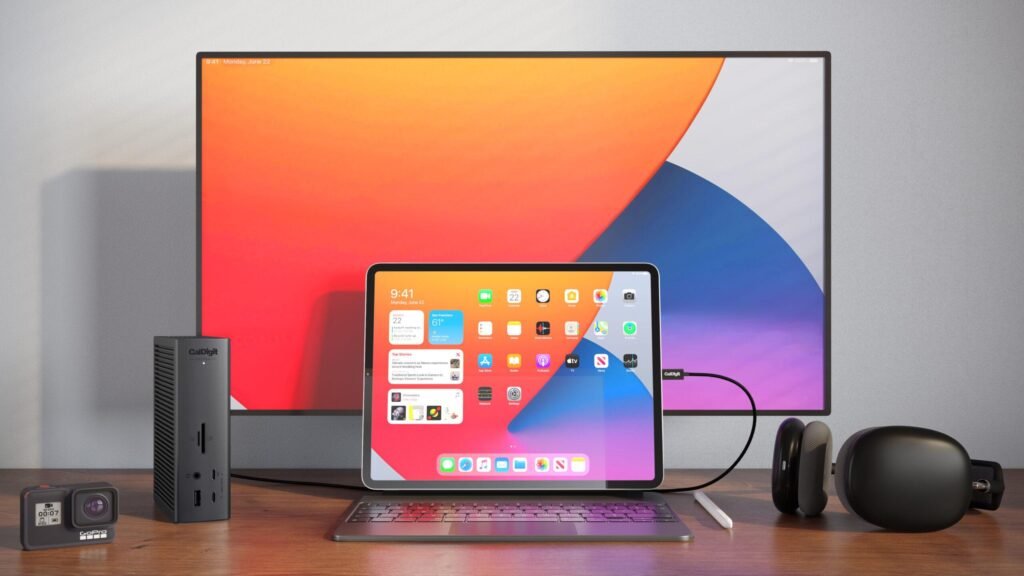
2. USB-C Hubs & Docking Stations
Anker 555 USB-C Hub
Modern laptops increasingly rely on USB-C ports, but professionals still need access to:
- HDMI
- USB-A
- SD card readers
- Ethernet
- External displays
- Charging passthrough
The Anker 555 USB-C Hub is one of the most reliable and travel-friendly options available.
Key Features
- 8-in-1 connectivity
- 4K HDMI support
- USB-C Power Delivery
- SD and microSD readers
- Compact aluminum design
- Broad compatibility
Why Professionals Love It
It eliminates dongle clutter while enabling full desktop-like connectivity from a single USB-C port.
Price
Approx. $89
3. Wireless Productivity Mouse
Logitech MX Master 4


The Logitech MX Master series continues to dominate the productivity mouse market in 2026.
This mouse is designed for professionals who spend long hours working on laptops and desktops.
Why It’s Exceptional
The MX Master 4 offers:
- Ergonomic comfort
- Ultra-fast scrolling
- Multi-device connectivity
- App-specific shortcuts
- USB-C charging
- Excellent battery life
Best For
- Excel users
- Designers
- Programmers
- Video editors
- Office professionals
Productivity Benefits
Its customizable buttons and smooth scrolling dramatically improve workflow efficiency.
Price
Approx. $129
4. Mechanical Keyboards for Travel
Keychron K3 Pro


Laptop keyboards are convenient, but extended typing sessions can become uncomfortable.
The Keychron K3 Pro is one of the best compact mechanical keyboards for travelers because it balances portability with excellent typing comfort.
Key Features
- Low-profile mechanical switches
- Wireless Bluetooth support
- Mac and Windows compatibility
- Compact lightweight design
- RGB backlighting
- Premium aluminum build
Why It’s Ideal for Productivity
Mechanical keyboards improve:
- Typing accuracy
- Comfort
- Speed
- Long-session ergonomics
Price
Approx. $109
5. Noise-Canceling Headphones
Sony WH-1000XM6


Noise-canceling headphones are essential for remote work and travel.
Whether you’re working in a coffee shop, airport lounge, hotel lobby, or shared office, ANC headphones help you stay focused and productive.
Why the Sony WH-1000XM6 Stands Out
These headphones offer:
- Industry-leading ANC
- Excellent microphone quality
- Long battery life
- Premium comfort
- Multipoint Bluetooth pairing
- Superb sound quality
Best Use Cases
- Flights
- Zoom meetings
- Focus work
- Video editing
- Music streaming
Price
Approx. $399
6. GaN Chargers — Compact Powerhouses
Anker Prime 100W GaN Charger


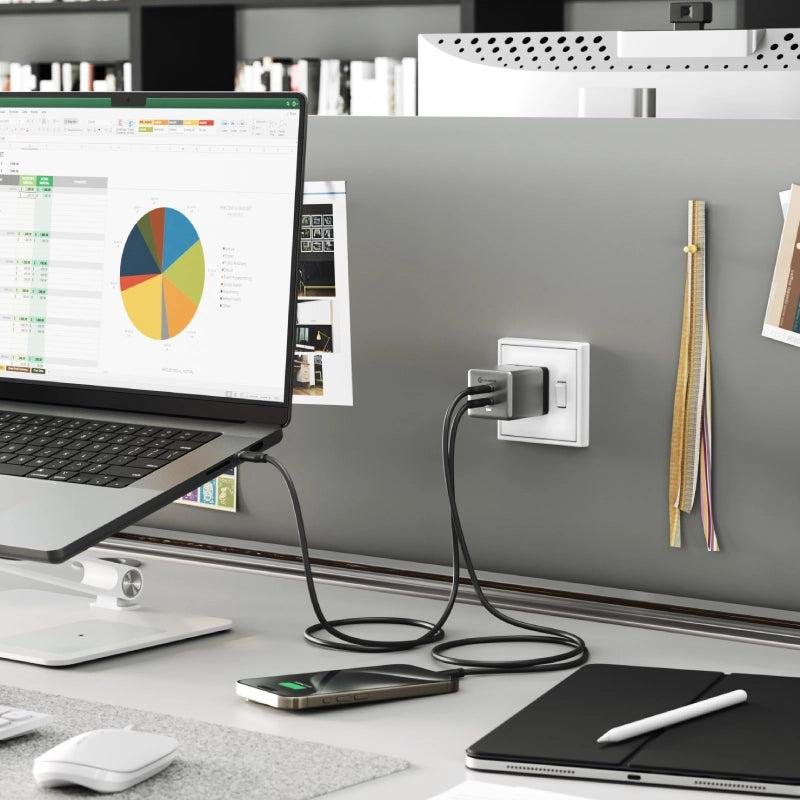
GaN chargers have become one of the most important accessories for modern travelers.
Compared to traditional chargers, GaN chargers are:
- Smaller
- Faster
- Cooler
- More energy efficient
Why This Charger Is Excellent
The Anker Prime 100W charger can power:
- MacBooks
- Windows laptops
- Smartphones
- Tablets
- Accessories
Travel Advantages
Instead of carrying multiple chargers, users can charge several devices from one compact adapter.
Price
Approx. $84
7. Ergonomic Laptop Stands
Roost Laptop Stand


Laptop stands are one of the most underrated productivity accessories.
A good stand improves:
- Neck posture
- Viewing angles
- Cooling airflow
- Desk ergonomics
Why Ergonomics Matter
Poor posture can cause:
- Neck strain
- Back pain
- Shoulder discomfort
- Wrist fatigue
Why Travelers Love the Roost Stand
It’s lightweight, foldable, durable, and easy to pack into backpacks.
Price
Approx. $89
8. Laptop Sleeves for Protection
Bellroy Laptop Sleeve


A high-quality laptop sleeve protects your device during travel and daily commuting.
What Makes Bellroy Excellent
Bellroy sleeves offer:
- Premium materials
- Soft protective lining
- Water resistance
- Minimalist aesthetics
- Slim portability
Why It’s Worth Buying
Protecting a $1,000–$3,000 laptop with a quality sleeve is a smart investment.
Price
Approx. $59
9. Travel Backpacks for Laptop Users
Nomatic Navigator Backpack


A productivity-focused backpack can dramatically improve travel efficiency.
The Nomatic Navigator is designed specifically for professionals and digital nomads.
Key Features
- TSA-friendly design
- Organized compartments
- Water-resistant materials
- Expandable storage
- Dedicated laptop protection
- Comfortable straps
Best For
- Frequent flyers
- Remote workers
- Business travelers
- Digital nomads
Price
Approx. $199
Best Accessories for Different Types of Users
Best Setup for Business Travelers
Recommended accessories:
- USB-C hub
- Noise-canceling headphones
- GaN charger
- Laptop sleeve
- Travel backpack
Best Setup for Students
Recommended accessories:
- Portable stand
- Wireless mouse
- Budget keyboard
- Backpack
- External SSD
Best Setup for Remote Workers
Recommended accessories:
- Portable monitor
- Mechanical keyboard
- Ergonomic mouse
- Docking station
- ANC headphones
Best Setup for Digital Nomads
Recommended accessories:
- Lightweight monitor
- Compact charger
- Foldable stand
- Multi-device mouse
- Slim backpack
Must-Have Features Before Buying Laptop Accessories
1. Portability
Travel accessories should be:
- Lightweight
- Compact
- Durable
- Easy to pack
2. USB-C Compatibility
USB-C is now the universal standard for:
- Charging
- Video output
- Data transfer
- Docking stations
3. Battery Life
Wireless accessories should offer long battery performance, especially for travelers.
Ideal battery expectations:
- Mouse: 30–70 days
- Keyboard: Weeks or months
- Headphones: 25–40 hours
4. Build Quality
Premium materials improve durability during travel.
Look for:
- Aluminum construction
- Water resistance
- Reinforced zippers
- Shock protection
The Ideal Travel Productivity Setup in 2026
A complete mobile workstation might include:
- Lightweight laptop
- Portable monitor
- USB-C dock
- Wireless mouse
- Mechanical keyboard
- Foldable stand
- GaN charger
- ANC headphones
This setup creates a desktop-like experience while remaining fully portable.
Final Thoughts
The best laptop accessories for productivity and travel in 2026 are designed to help professionals work efficiently from anywhere.
Whether you’re flying across the country, working remotely from coffee shops, or managing a hybrid office setup, the right accessories can dramatically improve:
- Comfort
- Workflow speed
- Organization
- Focus
- Ergonomics
- Portability
For most users, the best upgrades are:
- Portable monitor
- USB-C hub
- Ergonomic mouse
- Noise-canceling headphones
- Compact GaN charger
Investing in high-quality accessories not only improves productivity but also makes travel and remote work significantly more enjoyable.
If you build the right setup, your laptop becomes more than a computer — it becomes a complete portable workstation ready for productivity anywhere in the world.