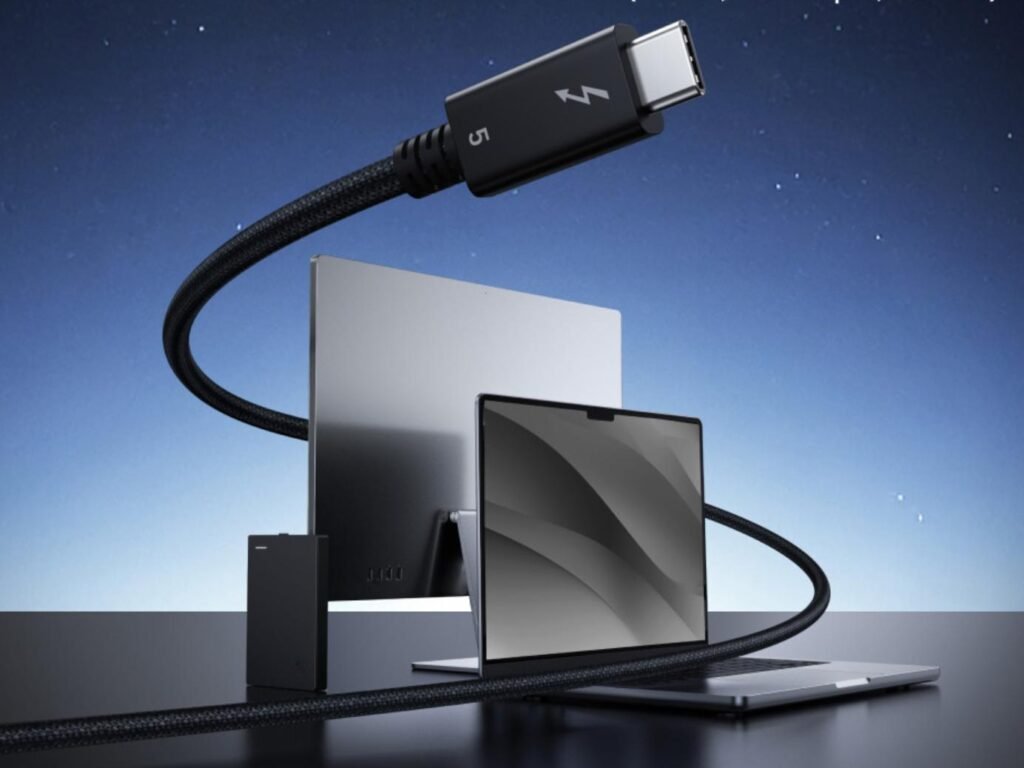
Thunderbolt 5 is redefining high-performance computing for both Mac and Windows users. With blazing-fast bandwidth, ultra-high-resolution display support, powerful charging capabilities, and desktop-grade data transfer speeds, Thunderbolt 5 accessories are becoming essential for creators, professionals, gamers, and productivity enthusiasts.
Whether you own a MacBook Pro, Mac Studio, Dell XPS, ASUS ProArt laptop, Lenovo ThinkPad, or a custom Windows workstation, the right Thunderbolt 5 accessories can completely transform your workflow.
From premium docking stations and ultra-fast SSDs to 6K monitors, eGPU enclosures, and professional cables, this guide covers the absolute best Thunderbolt 5 accessories worth buying in 2026.
Why Thunderbolt 5 Is a Huge Upgrade
Thunderbolt 5 significantly improves on Thunderbolt 4 and USB4 by delivering:
- Up to 80Gbps bi-directional bandwidth
- Up to 120Gbps Bandwidth Boost for displays
- Support for multiple 4K and 8K monitors
- Better external GPU performance
- Faster SSD transfer speeds
- Up to 240W charging
- Improved PCIe bandwidth
- Better support for creators and gamers
For professionals working with 4K/8K video, AI workflows, 3D rendering, photography, software development, and gaming, Thunderbolt 5 removes many of the limitations older standards had.
Best Thunderbolt 5 Accessories at a Glance
| Category | Product | Best For | Approx. Price |
|---|---|---|---|
| Docking Station | CalDigit TS5 Thunderbolt 5 Dock | Best Overall Dock | $399–$449 |
| Budget Dock | UGREEN Revodok Maxidok TB5 Dock | Best Value | $249–$329 |
| Premium Dock | Anker Prime TB5 Dock | Power Users | $399 |
| Portable SSD | OWC Envoy Ultra TB5 SSD | Fastest Storage | $599+ |
| Rugged SSD | LaCie Rugged SSD Pro5 | Travel Creators | $349–$599 |
| Productivity Monitor | Dell UltraSharp U3225QE | Office & Productivity | $799–$999 |
| Creator Monitor | LG UltraFine 6K | Creative Professionals | $1,299+ |
| eGPU Enclosure | Razer Core X V2 | Gaming & GPU Workloads | $349–$399 |
| Premium Cable | Apple Thunderbolt 5 Pro Cable | Mac Users | $69–$129 |
| Budget Cable | Anker Prime Thunderbolt 5 Cable | Affordable Option | $29–$49 |
Best Overall Thunderbolt 5 Dock
CalDigit TS5 Thunderbolt 5 Dock


The CalDigit TS5 is one of the most powerful and professional Thunderbolt 5 docks available today. Designed for demanding workflows, it delivers exceptional connectivity, charging, and display support for both macOS and Windows PCs.
Key Features
- Multiple Thunderbolt 5 ports
- Up to 140W charging
- Dual 8K monitor support
- Multiple USB-C and USB-A ports
- 2.5Gb Ethernet
- SD and microSD card readers
Why It’s Great
The TS5 is ideal for creators and professionals who want a clean single-cable workstation setup. It handles external drives, high-refresh monitors, cameras, networking, and charging all at once.
Best For
- Video editors
- Developers
- Creative professionals
- Multi-monitor setups
- MacBook Pro users
Pros
- Outstanding port selection
- Excellent build quality
- Stable performance
- Great cooling system
- Premium aluminum design
Cons
- Expensive
- Larger than compact docks
Price
$399–$449
Best Budget Thunderbolt 5 Dock
UGREEN Revodok Maxidok Thunderbolt 5 Dock


UGREEN has quickly become one of the most trusted accessory brands for affordable premium tech products. The Revodok Maxidok TB5 Dock offers impressive features without the premium price tag of higher-end models.
Key Features
- 10-in-1 connectivity
- Thunderbolt 5 support
- Multi-display support
- SD card reader
- High-speed USB-C ports
- Compact footprint
Why It’s Great
This dock balances performance and affordability extremely well. It’s perfect for students, remote workers, and everyday productivity users.
Best For
- Home offices
- Students
- Hybrid workers
- Budget-conscious buyers
Pros
- Great value
- Compact design
- Reliable connectivity
- Easy setup
Cons
- Fewer premium features
- Less future-proof than flagship docks
Price
$249–$329
Best Premium Thunderbolt 5 Dock
Anker Prime Thunderbolt 5 Dock


Anker’s premium Thunderbolt 5 dock combines power, aesthetics, and cutting-edge performance. It’s designed for advanced workstation setups and creators who need maximum flexibility.
Key Features
- Built-in GaN power supply
- 140W laptop charging
- Multiple Thunderbolt 5 ports
- HDMI and DisplayPort outputs
- High-speed USB ports
- Advanced cooling system
Why It’s Great
Unlike many bulky docks, Anker integrates the power supply internally, reducing cable clutter on your desk.
Best For
- Professional creators
- Streamers
- Gamers
- Power users
Pros
- Premium build quality
- Excellent charging performance
- Clean cable management
- Modern design
Cons
- Premium pricing
- Overkill for casual users
Price
$399
Best Thunderbolt 5 Portable SSD
OWC Envoy Ultra Thunderbolt 5 SSD


If you work with massive files, 8K video, large RAW photo libraries, or professional production projects, the OWC Envoy Ultra is one of the fastest portable SSDs available today.
Key Features
- Thunderbolt 5 optimized
- Extremely fast transfer speeds
- Up to 8TB storage
- Rugged aluminum enclosure
- Excellent sustained performance
Why It’s Great
This SSD delivers desktop-level storage speeds in a portable form factor, making it ideal for professional workflows.
Best For
- Video editing
- Photography
- Audio production
- Professional backups
Pros
- Blazing-fast speeds
- Durable build
- Excellent thermal performance
Cons
- Expensive
- Requires TB5 hardware for maximum performance
Price
$599–$1,499
Best Rugged Thunderbolt 5 SSD
LaCie Rugged SSD Pro5


LaCie has long been a favorite among photographers and filmmakers, and the Rugged SSD Pro5 continues that reputation with Thunderbolt 5 performance and exceptional durability.
Key Features
- Rugged drop-resistant design
- High-speed Thunderbolt 5 connectivity
- Compact portable body
- Reliable sustained write speeds
Why It’s Great
It’s built for creators who travel frequently and need reliable storage in harsh environments.
Best For
- Outdoor shoots
- Travel creators
- Drone videography
- Field production
Pros
- Excellent durability
- Reliable real-world speeds
- Trusted creator brand
Cons
- Premium pricing
- Bright orange design may not appeal to everyone
Price
$349–$599
Best Thunderbolt Monitor for Productivity
Dell UltraSharp U3225QE


The Dell UltraSharp U3225QE is one of the best productivity monitors for professionals who want a clean Thunderbolt-enabled workstation.
Key Features
- 32-inch 4K display
- Thunderbolt hub functionality
- USB-C connectivity
- Excellent color accuracy
- Thin bezels
Why It’s Great
It combines premium image quality with modern connectivity, making it ideal for work-from-home professionals and office users.
Best For
- Productivity
- Coding
- Office work
- Photo editing
Pros
- Excellent display quality
- Great connectivity
- Ergonomic stand
- Strong productivity features
Cons
- Expensive
- Not optimized for competitive gaming
Price
$799–$999
Best Thunderbolt Monitor for Creative Professionals
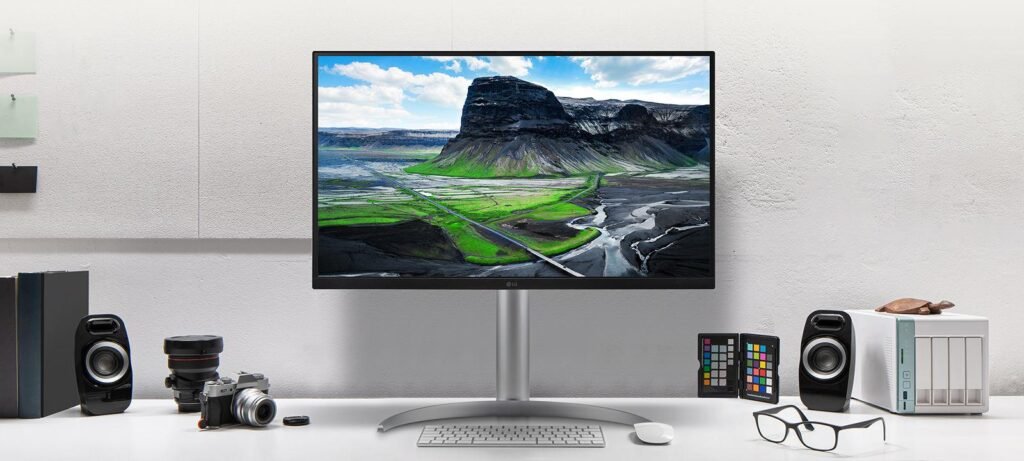
LG UltraFine 6K Monitor


The LG UltraFine 6K is built for photographers, filmmakers, designers, and video editors who demand exceptional sharpness and color accuracy.
Key Features
- 6K resolution
- Nano IPS panel
- Thunderbolt connectivity
- Wide color gamut
- Excellent macOS compatibility
Why It’s Great
The ultra-high resolution delivers incredibly sharp text and stunning image clarity, especially for creative workflows.
Best For
- Video editing
- Photography
- Graphic design
- Color grading
Pros
- Stunning image quality
- Sharp visuals
- Excellent color reproduction
- Great for Mac users
Cons
- Very expensive
- Requires a large desk setup
Price
$1,299–$1,799
Best Thunderbolt 5 eGPU Enclosure
Razer Core X V2


Thunderbolt 5 dramatically improves eGPU performance, making external graphics solutions far more practical for laptops and compact PCs.
Key Features
- Supports desktop GPUs
- Improved TB5 bandwidth
- Large internal PSU
- Excellent compatibility
Why It’s Great
The Razer Core X V2 allows users to transform thin laptops into powerful gaming or rendering machines.
Best For
- Gaming laptops
- AI workloads
- 3D rendering
- Blender users
Pros
- Huge graphics upgrade potential
- Future-ready design
- Strong compatibility
Cons
- Bulky enclosure
- GPU sold separately
Price
$349–$399
Best Thunderbolt 5 Cable for Mac Users
Apple Thunderbolt 5 Pro Cable


A premium Thunderbolt cable is essential if you want full performance from your dock, monitor, or SSD.
Key Features
- Full TB5 bandwidth support
- Up to 240W charging
- Braided premium design
- Excellent reliability
Why It’s Great
Apple’s cable is expensive, but it guarantees maximum compatibility and performance for Mac users.
Best For
- MacBook Pro users
- High-end workstations
- Professional setups
Pros
- Excellent build quality
- Reliable performance
- Future-proof
Cons
- Expensive
Price
$69–$129
Best Budget Thunderbolt 5 Cable
Anker Prime Thunderbolt 5 Cable


If you want a more affordable Thunderbolt 5 cable without sacrificing performance, Anker’s Prime TB5 cable is an excellent option.
Key Features
- 240W charging support
- High-speed transfers
- Durable braided construction
- Universal compatibility
Why It’s Great
It delivers strong performance at a much lower price than premium cables from Apple.
Best For
- Students
- Budget setups
- Everyday users
Pros
- Affordable
- Durable
- Reliable charging performance
Cons
- Slightly fewer premium certifications
Price
$29–$49
How to Choose the Right Thunderbolt 5 Accessory
Choosing the best Thunderbolt 5 accessory depends entirely on your workflow and setup.
Choose a Thunderbolt 5 Dock If:
- You use multiple monitors
- You connect lots of peripherals
- You want a clean one-cable desk setup
Choose a Thunderbolt 5 SSD If:
- You work with large files
- You edit 4K or 8K video
- You need ultra-fast backups
Choose a Thunderbolt 5 Monitor If:
- You want fewer cables
- You care about color accuracy
- You spend hours working at your desk
Choose an eGPU If:
- You game on a laptop
- You use rendering software
- Your internal GPU is limited
Are Thunderbolt 5 Accessories Backward Compatible?
Yes. Most Thunderbolt 5 accessories are backward compatible with:
- Thunderbolt 4
- Thunderbolt 3
- USB4
- USB-C
However, to achieve full Thunderbolt 5 speeds and features, both the computer and accessory must support Thunderbolt 5.
Final Thoughts
Thunderbolt 5 is the future of high-performance connectivity. Whether you’re building a professional workstation, upgrading your gaming setup, or improving your productivity desk, the right Thunderbolt 5 accessories can significantly improve your workflow.
For most users, the CalDigit TS5 is the best all-around dock, while the UGREEN Revodok Maxidok offers fantastic value. Creative professionals should seriously consider the OWC Envoy Ultra SSD and LG UltraFine 6K monitor for demanding workflows.
As more laptops and desktops adopt Thunderbolt 5 in 2026, these accessories will become increasingly essential for unlocking the full potential of modern hardware.