Buying a laptop under ₹60,000 in India in 2026 has become easier—and more confusing—than ever. With powerful Intel 12th & 13th Gen, AMD Ryzen 5000/7000 series, fast SSD storage, and long battery life now available in this price range, choosing the right laptop requires careful comparison.
Whether you are a student, programmer, office professional, or work-from-home user, this guide lists the best laptops under ₹60,000 in India (2026) based on real-world performance, reliability, display quality, battery life, and value for money.
Quick Summary — Top Picks (short list)
- Lenovo IdeaPad Slim 3i (13th Gen Intel Core i5) — Best overall balance of CPU, battery and build for students & office work. Lenovo
- ASUS Vivobook 15 X1504 (13th Gen Core i3 / 16GB) — Best value for everyday multitasking & lightweight coding tasks. Smartprix+1
- Acer Aspire Lite AL15 (Ryzen 5 5500U / 16GB) — Best budget Ryzen option with strong battery and large SSD. Smartprix+1
- Dell Inspiron 15 (AMD/Intel base models) — Reliable after-sales, multiple configurations under ₹60k; great for office & students. Dell+1
- MSI Thin A15 / Lightweight gaming-ish options (select configs) — If you need occasional heavier workloads or light gaming — check configurations that fit under ₹60k. Smartprix+1
Note: Prices and specific SKUs fluctuate with sales (Flipkart, Amazon, brand stores). All prices below are current as of early Jan 2026 sources listed. Smartprix+291mobiles+2
Why this guide — who it’s for
This guide is written for Indian buyers in 2026 who want the best value laptop under ₹60,000 for:
- Students — note-taking, Zoom/Teams, MS Office, light multimedia.
- Coding / CS students & developers — compilers, lightweight IDEs, web development, local VMs / containers (some models better suited).
- Office professionals — spreadsheets, Zoom calls, document work, multitasking.
We prioritized: CPU performance, RAM (16GB preferred), SSD storage (≥ 512GB ideal), screen quality (IPS / FHD), battery life, warranty & brand service in India.
How to use this guide
- Read the short buyer’s checklist (next section).
- Scan the top picks & comparison table to find a match for your needs.
- Read the detailed model notes to confirm the best fit.
- Use FAQs at the end for quick clarity.
Buyer’s checklist: What matters for students, coders & office work
- CPU: For compile speed and multitasking, prefer Intel Core i5 (13th gen or better) or AMD Ryzen 5 (5000/7000 series) for best value under ₹60k. Integrated Iris Xe or RDNA integrated graphics are fine unless you need gaming or GPU compute. Lenovo+1
- RAM: 16GB is ideal. 8GB is workable but upgradeable RAM or models with soldered LPDDR must be considered carefully. Many value models now ship with 16GB in this price band. 91mobiles
- Storage: 512GB SSD minimum; NVMe SSD preferred for fast boot and compile times.
- Display: 15.6″ FHD (1920×1080) IPS — best combination of productivity and price. 14″ if you value portability.
- Battery & Weight: For students on the move, >6 hours real-world battery and <1.7–1.9 kg weight is desirable.
- Keyboard & Trackpad: Backlit keyboard and a comfortable layout help in long coding sessions.
- Ports: At least one USB-A, one USB-C (preferably with data/charging), HDMI (for external displays), and a headphone jack.
- After-sales/service: Brand presence & service network in India matters for long-term reliability. Dell, Lenovo, HP, Acer, ASUS, MSI all have service centers in India — check exact coverage locally. Dell+1
In-depth — Top laptops under ₹60,000 (detailed picks)
Below we deep-dive into the best models that consistently appear in India-market listings and reviews (prices and SKU notes cited):
1) Lenovo IdeaPad Slim 3i (13th Gen Intel Core i5) — Best all-rounder for students & office
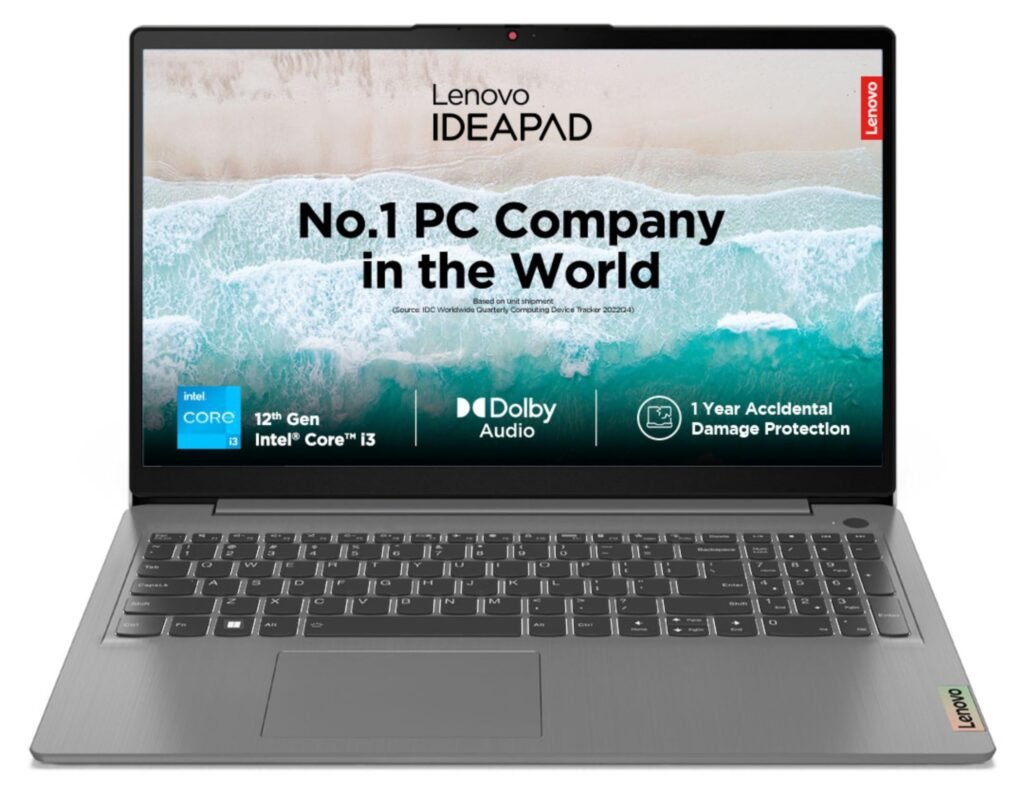
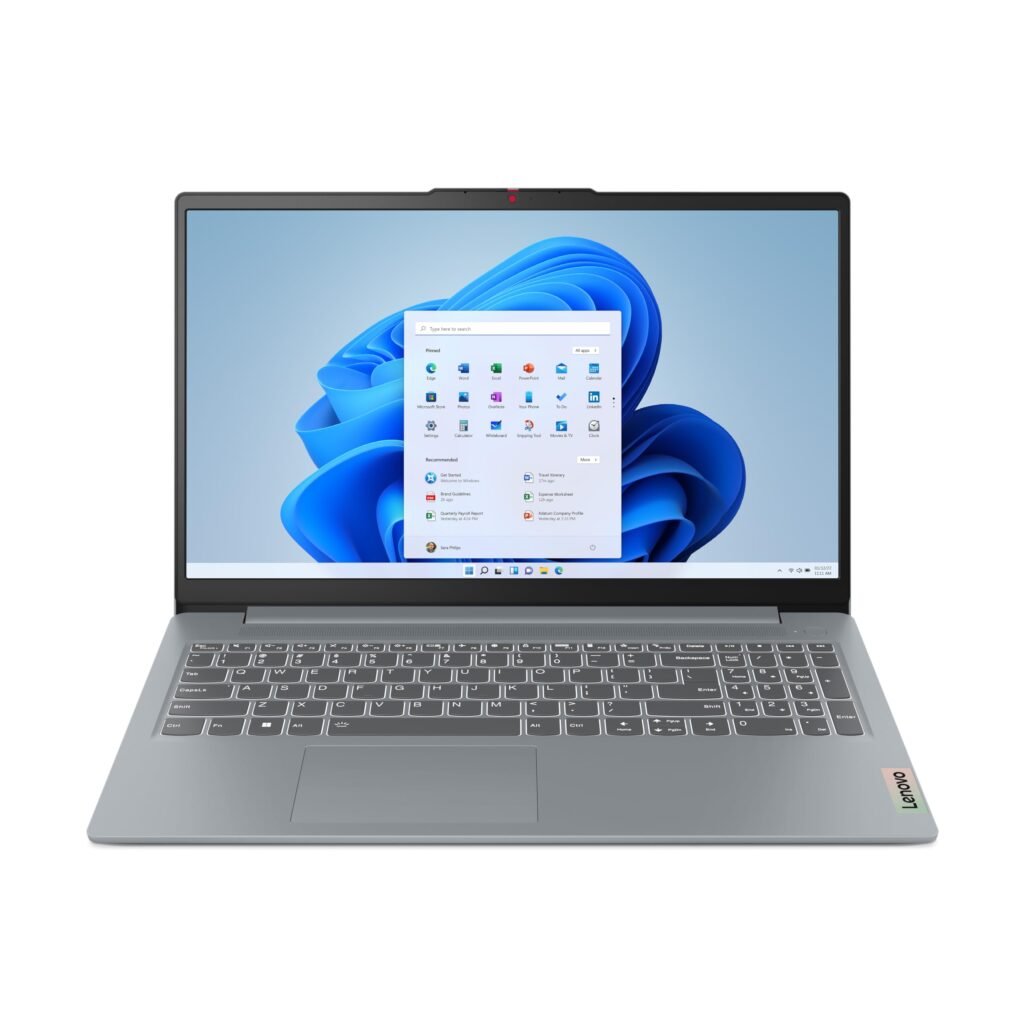
Why we like it: Balanced CPU performance (13th Gen i5), decent thermals for a thin laptop, comfortable keyboard, good battery life and a dependable brand/service network in India. Lenovo’s IdeaPad Slim 3i often offers configurations that place the i5 / 8–16GB / 512GB SSD combination comfortably under ₹60,000. Lenovo+1
Typical spec (example SKU)
- CPU: Intel Core i5-13xxx (U-series / low-power)
- RAM: 8GB / 16GB (some SKUs ship 16GB). Prefer 16GB for coding.
- Storage: 512GB NVMe SSD
- Display: 15.6″ FHD IPS (1920×1080)
- OS: Windows 11
- Weight: ~1.6–1.8 kg
- Price: Varies by configuration — many i5+8GB+512GB SKUs listed under ₹60,000. Lenovo
Pros: Balanced performance; good battery life; reliable service.
Cons: Integrated GPU only; display brightness varies by SKU.
2) ASUS Vivobook 15 X1504 (13th Gen Core i3 w/16GB SKU) — Best budget value for multitasking & light coding
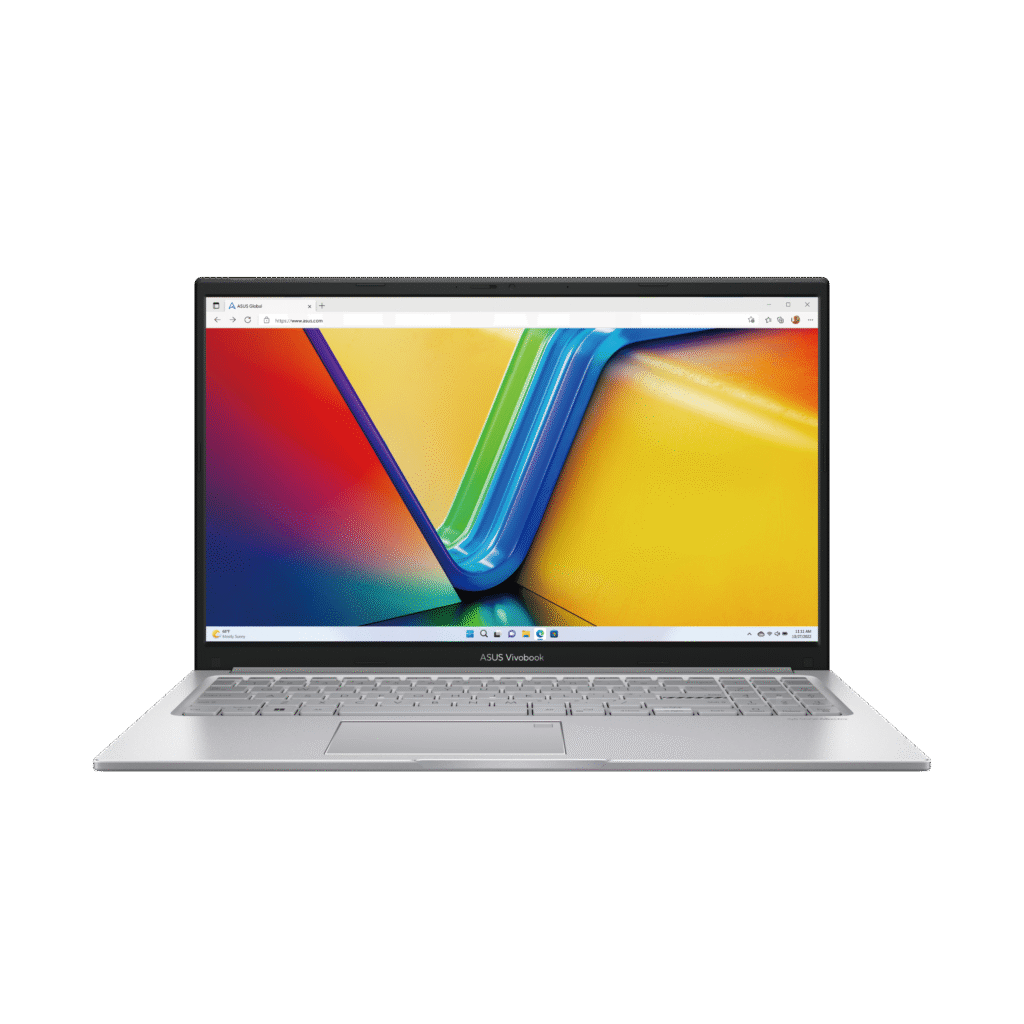
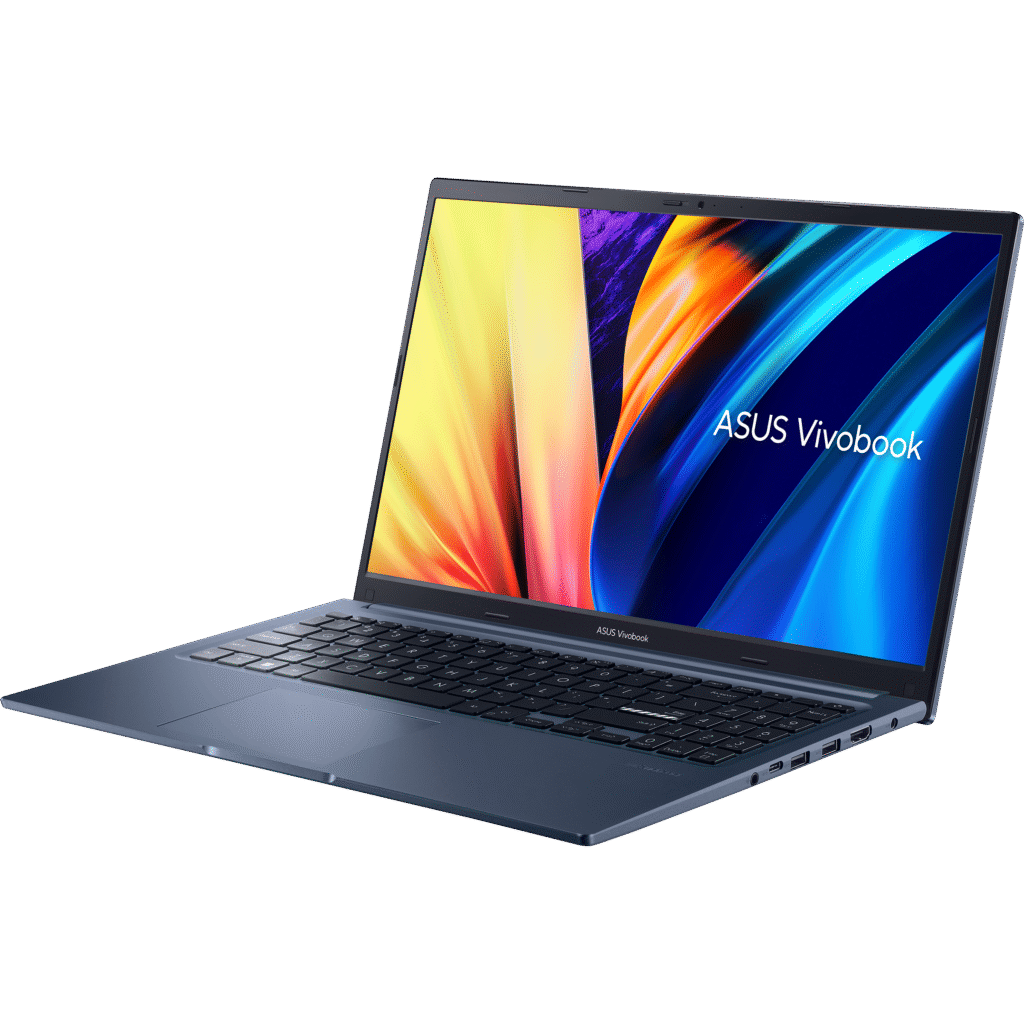
Why we like it: ASUS offers aggressive RAM configurations (some SKUs ship with 16GB) at lower prices, making the Vivobook a great candidate for students on a budget. The 13th Gen Core i3 + 16GB can beat older i5/8GB combos in multicore multitasking. Smartprix+1
Typical spec (example SKU)
- CPU: Intel Core i3-1315U (13th gen)
- RAM: 16GB (some SKUs preinstalled)
- Storage: 512GB SSD
- Display: 15.6″ FHD
- Price: Many SKUs around ₹39,990 to ₹49,990 (Jan 2026 listings). Smartprix
Pros: Great RAM for the price; good value for everyday multitasking and coding.
Cons: Lower-tier CPU — not as future-proof for heavy compilation or VMs.
3) Acer Aspire Lite AL15 (Ryzen 5 5500U / 16GB) — Best Ryzen bang for buck
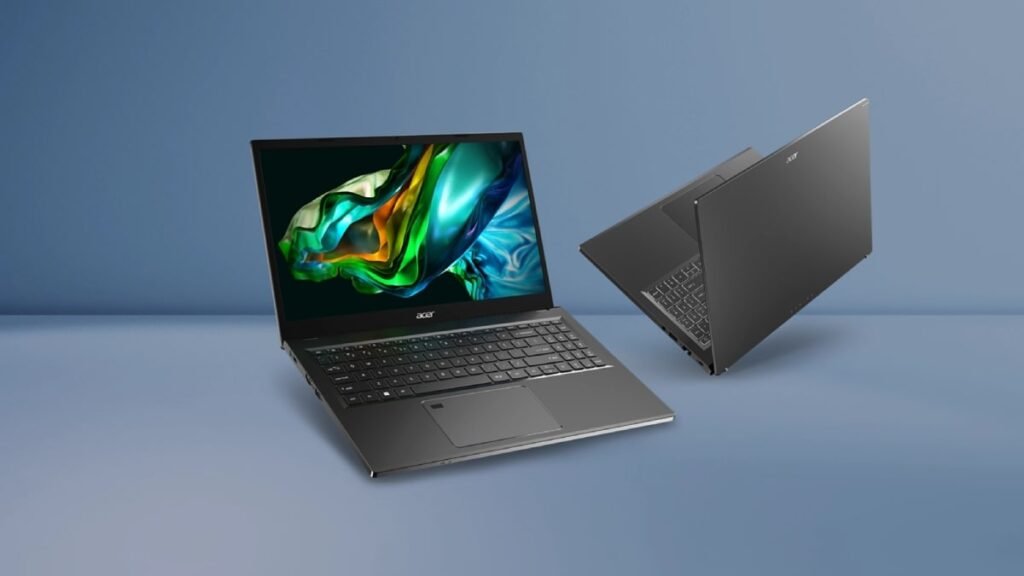
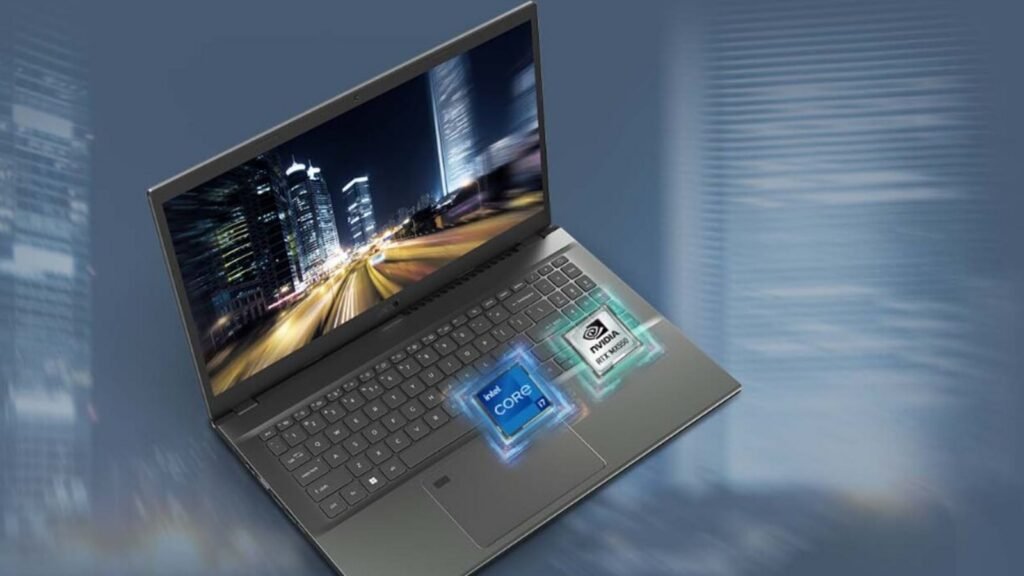
Why we like it: AMD Ryzen 5 (Zen 2/Zen 3-era in some SKUs) still offers excellent multi-threaded performance and battery life at low price points. Acer’s Aspire Lite models are frequently priced aggressively and include 16GB RAM variants under ₹60k. Good option for students doing heavier multitasking. Smartprix+1
Typical spec (example SKU)
- CPU: AMD Ryzen 5 5500U (or Ryzen 5 7530U in newer SKUs)
- RAM: 8GB / 16GB (choose 16GB for coding)
- Storage: 512GB SSD
- Display: 15.6″ FHD
- Price: Often in ₹38,000–₹48,000 range for Ryzen 5 configurations (check current SKU). Smartprix+1
Pros: Strong multicore performance; typically better value-per-rupee for multi-threaded tasks.
Cons: Some older Ryzen U chips are still fine but newer Ryzen 7000-U series will be better if available within budget.
4) Dell Inspiron 15 (value configs) — Reliable support & configurable
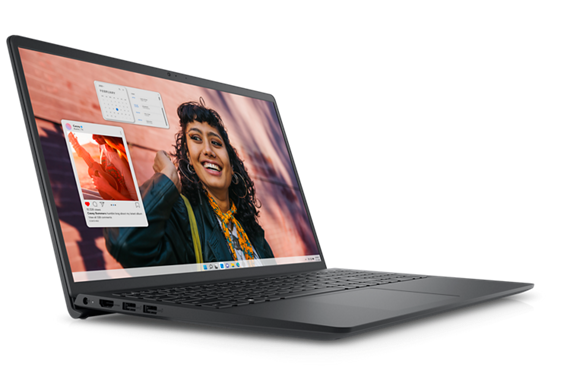
Why we like it: Dell’s Inspiron 15 has a variety of base configurations, from Intel i3 to i5 and AMD Ryzen equivalents. Dell often has branded discounts and extended warranties in India and is known for robust after-sales. Ideal for office users who value service. Dell+1
Typical spec (example SKU)
- CPU: Intel Core i3/i5 or AMD Ryzen 5
- RAM: 8GB / 16GB
- Storage: 512GB SSD or hybrid options
- Display: 15.6″ FHD
- Price: Many base models under ₹60k; i5/16GB variants sometimes near the ceiling.
Pros: Strong service network; reliable builds.
Cons: Might lack the best value in raw specs vs other brands unless on sale.
5) MSI Thin A15 / MSI Modern / LOQ Series (select SKUs) — For heavier workloads / light gaming
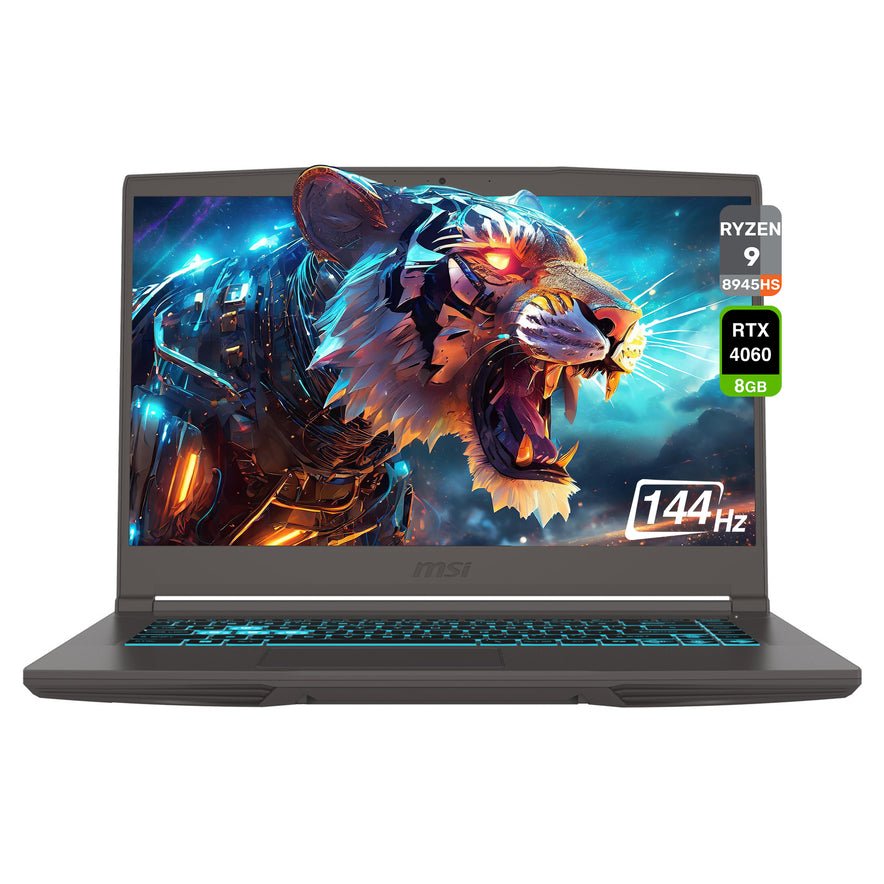
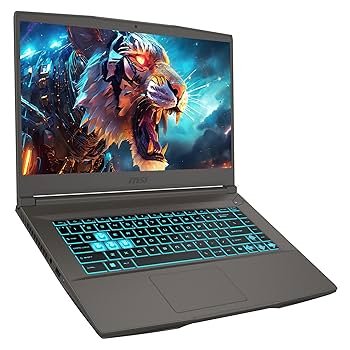
Why we like it: MSI’s Thin and LOQ series occasionally offer Ryzen 5 7535H or similar chips in configurations near ₹60k. These give better performance for compilation, container workloads, and light gaming. Watch thermals and battery trade-offs. Smartprix+1
Pros: Stronger CPU/GPU in some SKUs; good for devs who need burst performance.
Cons: Heavier; shorter battery life; thermal throttling possible in thin chassis.
Detailed comparison table (quick specs & approx. price)
Table below summarizes representative SKUs found on Indian listings (early Jan 2026). Always confirm the exact SKU (CPU model, RAM type) before buying. Citations point to sources used for price/spec verification. Dell+3Smartprix+3Lenovo+3
| Model (example SKU) | CPU | RAM | Storage | Display | Battery / Weight | Best for | Approx. Price (India, Jan 2026) |
|---|---|---|---|---|---|---|---|
| Lenovo IdeaPad Slim 3i (i5, 13th) | Intel i5-13xxU | 8 / 16GB | 512GB NVMe | 15.6″ FHD IPS | ~8–10 hrs / 1.6–1.8kg | Students, office, light dev | ₹45,000–₹59,000. Lenovo |
| ASUS Vivobook 15 X1504 (i3, 13th / 16GB SKU) | Intel i3-1315U | 16GB | 512GB SSD | 15.6″ FHD | ~6–8 hrs / ~1.7kg | Students, web dev, multitasking | ₹39,990–₹49,990. Smartprix+1 |
| Acer Aspire Lite AL15 (Ryzen 5 5500U / 16GB) | AMD Ryzen 5 5500U | 16GB | 512GB NVMe | 15.6″ FHD | ~7–9 hrs / ~1.7kg | Multitasking, coding | ₹37,990–₹42,990. Smartprix+1 |
| Dell Inspiron 15 (base/i5 variants) | Intel/AMD options | 8–16GB | 256–512GB | 15.6″ FHD | ~6–8 hrs / 1.8–2.0kg | Office & students | ₹31,000–₹55,000. Dell+1 |
| MSI Thin A15 / LOQ | Ryzen 5 7535H / 16GB (select) | 16GB | 512GB | 15.6″ FHD / 120Hz opt | ~5–7 hrs / ~1.9–2.2kg | Devs needing extra CPU/GPU | ₹50,000–₹60,000 (specific SKUs). Smartprix+1 |
Deep-dive: Which laptop for which user?
For first/second-year college students (heavy portability & battery):
- Choose: ASUS Vivobook 15 (16GB SKU) or Lenovo IdeaPad Slim 3i (i5 low-power SKU). These strike a balance between portability, battery and price. Vivobook with preinstalled 16GB is especially strong value. Smartprix+1
For coding / CS students / developers:
- Aim for Intel i5 (13th gen) or Ryzen 5 (5500U / 7000 series) with 16GB RAM and 512GB NVMe. If you do local VMs or Docker, prefer 16GB and an i5 or Ryzen 5 with higher core count. MSI thin gaming/LOQ or Lenovo IdeaPad Slim 3i with i5 + 16GB are best bets. Lenovo+1
For office & productivity users:
- Dell Inspiron and Lenovo IdeaPad models deliver reliability and service. If you spend all day on spreadsheets and video calls, prioritize battery and a comfortable keyboard. Dell+1
For occasional media editing & light gaming:
- Look for MSI Thin A15 or AMD Ryzen H-series SKUs near the top of the ₹60k range. These have better sustained CPU/GPU performance but check thermal behavior. 91mobiles
Real-world performance notes & tips
- i3 (13th gen) + 16GB vs i5 + 8GB: In many multitasking workloads, the extra RAM matters more than bumping from i3→i5. A Core i3 with 16GB can outperform an i5 with 8GB in browser-heavy, multitab scenarios. If your workflow includes compilation and parallel tasks, prefer the i5 + 16GB or Ryzen 5 + 16GB. Smartprix+1
- Storage speed: NVMe > SATA SSD for build times and app launches. If a SKU has only 256GB, consider replacing/upgrading to 512GB NVMe (if the model supports it) — check warranty/installation terms.
- Thermals: Thin laptops with H-series CPUs can thermal throttle. For consistent compile-heavy work, prefer U-series with good cooling or slightly heavier chassis designed for sustained loads.
- Sales & exchange deals: Indian pricing can shift with festive / New Year sales; check Flipkart/Amazon/brand store pages for targeted discounts or student exchange offers. Asus+1
Buying checklist — final pre-purchase steps
- Confirm SKU exact CPU model — i5-13xxU vs i5-13xxH makes a performance difference.
- Confirm RAM type & upgradability — soldered LPDDR vs DDR4/LPDDR5 slot. If soldered and only 8GB, plan to buy a different SKU. 91mobiles
- Check storage — ideally 512GB NVMe; if 256GB, factor upgrade cost.
- Check display (FHD IPS) and brightness if you work outdoors.
- Check warranty & service promises in your city. Dell/Lenovo/HP tend to have broad support in India. Dell+1
Full comparison — specs, ports, battery & upgradeability (expanded)
The table below is a more granular grid for the models discussed. Again, SKUs vary — use the table as a template when verifying exact configurations. Prices are approximate and sourced from Indian listings in Jan 2026. Smartprix+2Lenovo+2
| Model | Ports (typical) | Upgradeable RAM? | SSD Slot? | Webcam / Mic | Warranty |
|---|---|---|---|---|---|
| Lenovo IdeaPad Slim 3i | USB-A x2, USB-C (data/PD sometimes), HDMI, SD (rare), Audio jack | Depends on SKU (many have SODIMM) | Yes (M.2 NVMe) | 720p webcam / dual mics | 1 yr + regional support. Lenovo |
| ASUS Vivobook 15 X1504 | USB-A x2, USB-C, HDMI, SD/ microSD (varies) | Some SKUs upgradeable; check listing | Yes | 720p webcam | 1 yr / Asus India service. Amazon India |
| Acer Aspire Lite AL15 | USB-A x2, USB-C, HDMI, RJ45 (rare), Audio jack | Usually upgradeable (SODIMM) | Yes | 720p | 1 yr / Acer India. Smartprix |
| Dell Inspiron 15 | USB-A x2, USB-C (varies), HDMI, RJ45 (some), card reader | Many are SODIMM-upgradeable | Yes | 720p / HD | 1 yr; branded support network. Dell |
| MSI Thin A15 / LOQ | USB-A x2, USB-C, HDMI, Ethernet (depends), | Often has SODIMM + M.2 | Yes | 720p | 1 yr / MSI India. 91mobiles |
Practical buying scenarios & recommendations
- Tight budget but want 16GB: Look for ASUS Vivobook 15 X1504 16GB SKUs — excellent value. Smartprix
- Prefer Intel & battery life for long lectures: Lenovo IdeaPad Slim 3i (i5 U-series). Lenovo
- Multi-threaded work (compilation, parallel tasks): AMD Ryzen 5 Aspire Lite with 16GB often wins value per rupee. Smartprix
- Need service & reliability: Dell Inspiron variants — better peace-of-mind in Indian cities. Dell
Frequently Asked Questions (FAQ)
Q1: Is ₹60,000 enough for a good coding laptop in India (2026)?
Yes — ₹60k can buy a very capable machine for coding: aim for Intel i5 (13th gen) or Ryzen 5 with 16GB RAM and 512GB NVMe. That configuration handles IDEs, Docker images and moderate local VMs well. If you need heavy AI/ML GPU workloads, that budget won’t cover dedicated GPUs for serious training. Lenovo+1
Q2: Should I pick Ryzen or Intel for development?
Both are fine. AMD Ryzen 5 offers strong multicore performance and value for multi-threaded tasks; Intel Core i5 (13th gen) often offers stronger single-threaded performance and good battery life in U-series variants. Prioritize RAM and SSD over a marginal CPU bump unless your workloads are CPU-bound. Smartprix+1
Q3: Is 8GB RAM enough?
8GB is workable for light tasks but for coding (IDE + browser tabs + terminal + local DB), 16GB is recommended. If you see an 8GB laptop with an empty SODIMM and affordable RAM upgrade, that’s acceptable — otherwise buy a 16GB SKU. 91mobiles
Q4: Are refurbished or open-box laptops a good idea?
They can be — but buy from reputable sellers with warranty. For students on a strict budget, refurbished can yield higher specs, but do verify battery health and warranty. Prefer new models during big sales if you want full warranty and peace of mind.
Q5: Which display should I choose?
FHD (1920×1080) IPS is the gold standard in this price bracket. Avoid low-resolution HD (1366×768) unless cost is the only concern. For creative color work, an OLED or high-coverage panel is better but rare under ₹60k. TechRadar
Q6: How important is brand service?
Very. If you live in tier-2/tier-3 cities, prefer brands with reliable service networks in India: Dell, Lenovo, HP, Acer, ASUS all have respectable coverage, but availability varies locally. Check brand service center locations before purchase. Dell+1
Shopping checklist before checkout (short)
- Confirm exact SKU: CPU model, RAM type, SSD capacity.
- Ensure 16GB RAM or upgradability.
- Confirm display is FHD IPS.
- Check return, warranty and service center policy.
- Compare final price across brand store, Flipkart, Amazon — festive and exchange deals can save ₹5k–₹10k. Asus+1
Final thoughts (short)
In 2026, ₹60,000 is a sweet spot for value laptops in India. Prioritize 16GB RAM + 512GB NVMe and a Core i5 / Ryzen 5 CPU for the best long-term experience. For students, the ASUS Vivobook 15 (16GB SKU) is outstanding value; for balanced portability and power, the Lenovo IdeaPad Slim 3i (i5 13th gen) is a leading pick. Always verify the exact SKU and compare prices across stores before buying. Smartprix+1
Sources & further reading (selected)
- Smartprix — Laptops under ₹60,000 (India listings, Jan 2026). Smartprix
- Lenovo India — IdeaPad Slim 3i product page (India). Lenovo
- Acer / Amazon listings — Acer Aspire Lite pricing & SKUs. Smartprix+1
- Dell India — Inspiron product pages & price ranges. Dell+1
- 91mobiles — 16GB RAM laptops under ₹60,000 (Jan 2026). 91mobiles
- TechRadar — best laptops 2026 roundup (buyer guidance). TechRadar